
Amazon Listing Optimization: DPM vs. DCM Explained for Sellers (How to Control Your ASIN Titles & Boost Visibility)


If you’ve ever updated the title of a child ASIN on Amazon only to realize… nothing changed on the product detail page, you’re not alone. This is one of the most confusing parts of managing variations on Amazon, and the Platform doesn’t make it easy to understand.
Behind the scenes, Amazon uses two internal models to decide what information actually appears on your listing:
✔ DPM (Default Parent Model)
✔ DCM (Default Child Model)
These models dictate whether Amazon pulls information from the parent or from the child ASINs. Depending on which model your listing is assigned, your updates may appear immediately… or not show up at all — no matter how many times you submit them.
Understanding whether your listing is using DPM or DCM is crucial for:
⭐ Strong SEO and keyword indexing
⭐ Accurate, consistent product information
⭐ Higher conversion rates
⭐ Fewer catalog-update headaches
In this guide, you’ll learn what each model means, how Amazon decides which one to apply, how to identify them on your own listings, and how to structure your variations so they perform at their best.
DPM vs. DCM: How Amazon Chooses What Customers See
What is DPM (Default Parent Model)?
Under the Default Parent Model, Amazon shows the parent listing’s information on the product detail page, no matter which variation a shopper clicks on. That means the parent controls:
- Title
- Images
- Bullet points
- Description
- A+ content
The child ASIN’s information only appears on:
- The "Offer Listing" page
- Variation selectors (Color, Size, Style, etc.)
In simple terms:
If your listing is using DPM, the child’s title will never show on the main page.
Real example:
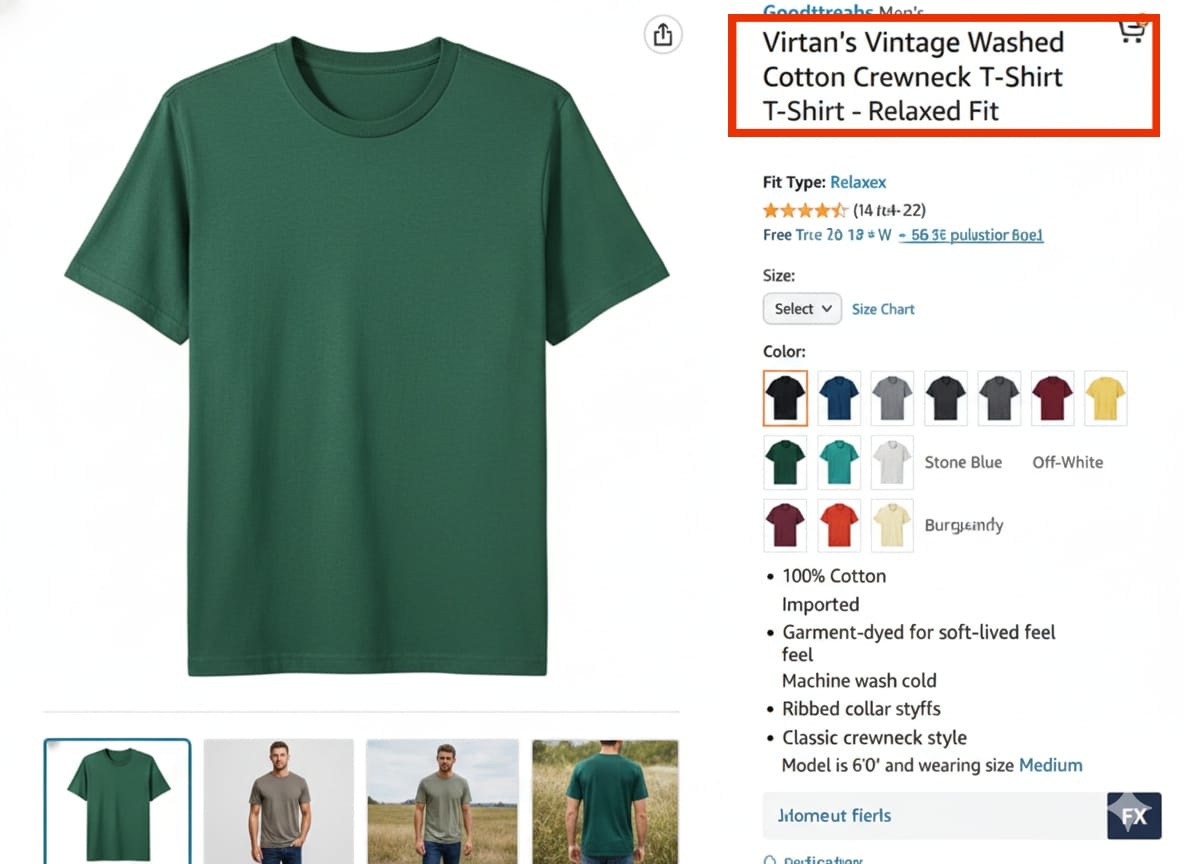
Parent title: “Virtan's Vintage Washed Cotton Crewneck T-Shirt - Relax Fit”
Child titles:
- Virtan's Vintage Washed Cotton Crewneck T-Shirt - Relax Fit - Black
- Virtan's Vintage Washed Cotton Crewneck T-Shirt - Relax Fit - Green
If the title never changes when you switch between children, and both childs are displaying only the parent title, you’re looking at a DPM listing.
How this impacts sellers:
- Child keywords won’t index in the title
- Child titles won’t be visible to customers
- SEO opportunities are limited
- Your optimizations may seem “ignored” by Amazon
This is exactly the scenario many sellers run into when trying to update variation titles.
What is DCM (Default Child Model)?
Under the Default Child Model, Amazon allows each child ASIN to display its own content on the product detail page. This means the child controls:
- Title
- Images
- Bullet points
- Description
This setup gives you a lot more freedom to optimize each variation individually.
Real example:
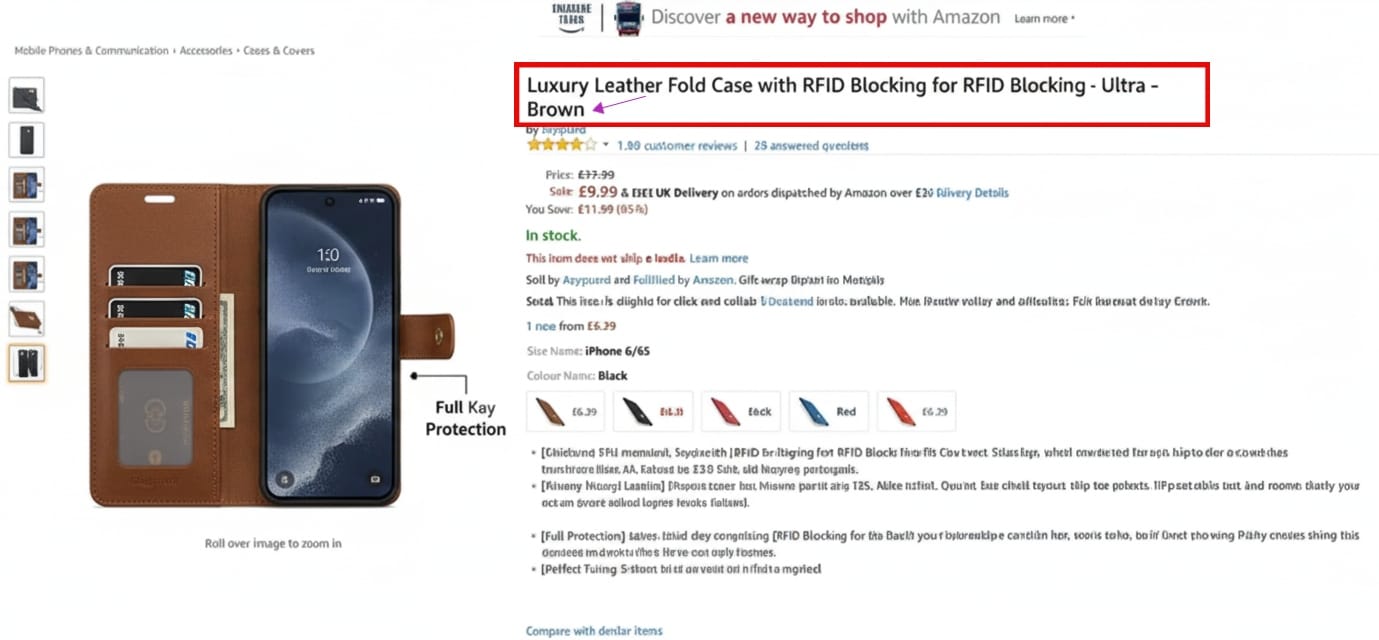
Child title 1: “Luxury Leather Fold Case with RFID Blocking for RFID Blocking - Ultra - Brown”
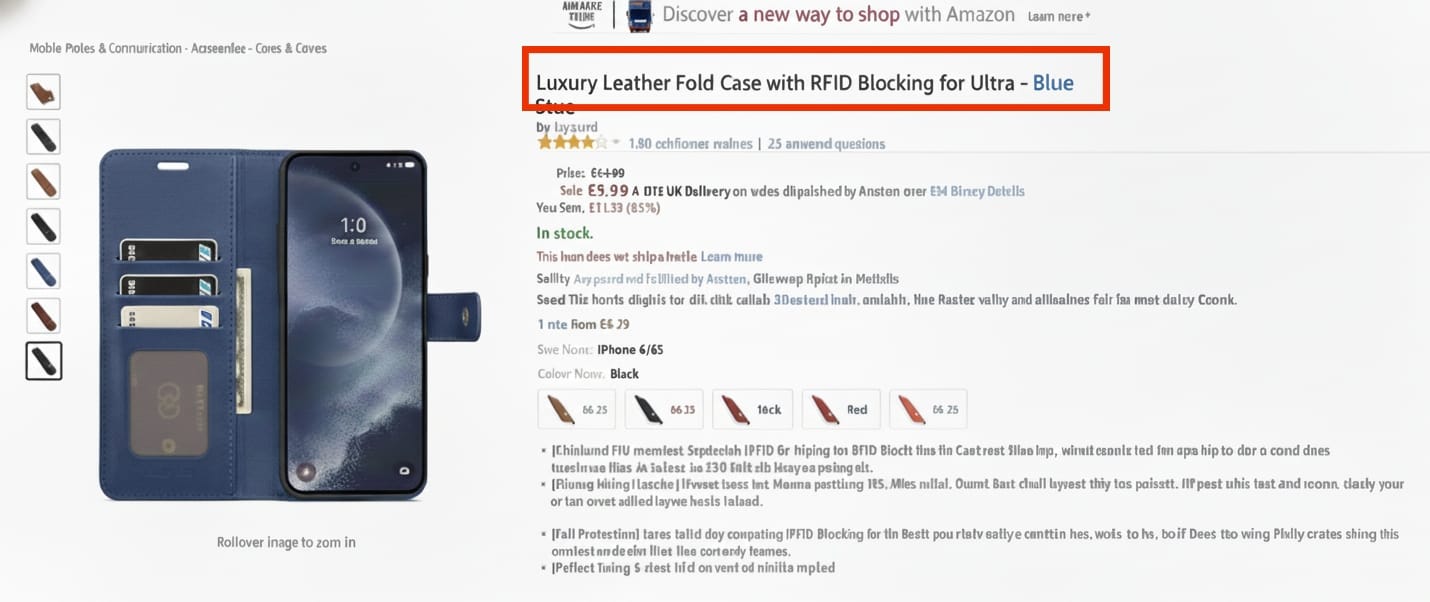
Child title 2: “Luxury Leather Fold Case with RFID Blocking for RFID Blocking - Ultra - Blue”
If you click between the Brow and Blue and the entire page updates — title, images, bullets — you’re working with DCM.
Why sellers love DCM:
- Each variation can be optimized for SEO
- Better click-through rates for best-selling variations
- More accurate customer experience
- More control over product positioning
Not surprisingly, most sellers prefer DCM… but Amazon decides which model gets applied.
🤔 Can You Tell Amazon to Switch You From DPM to DCM?
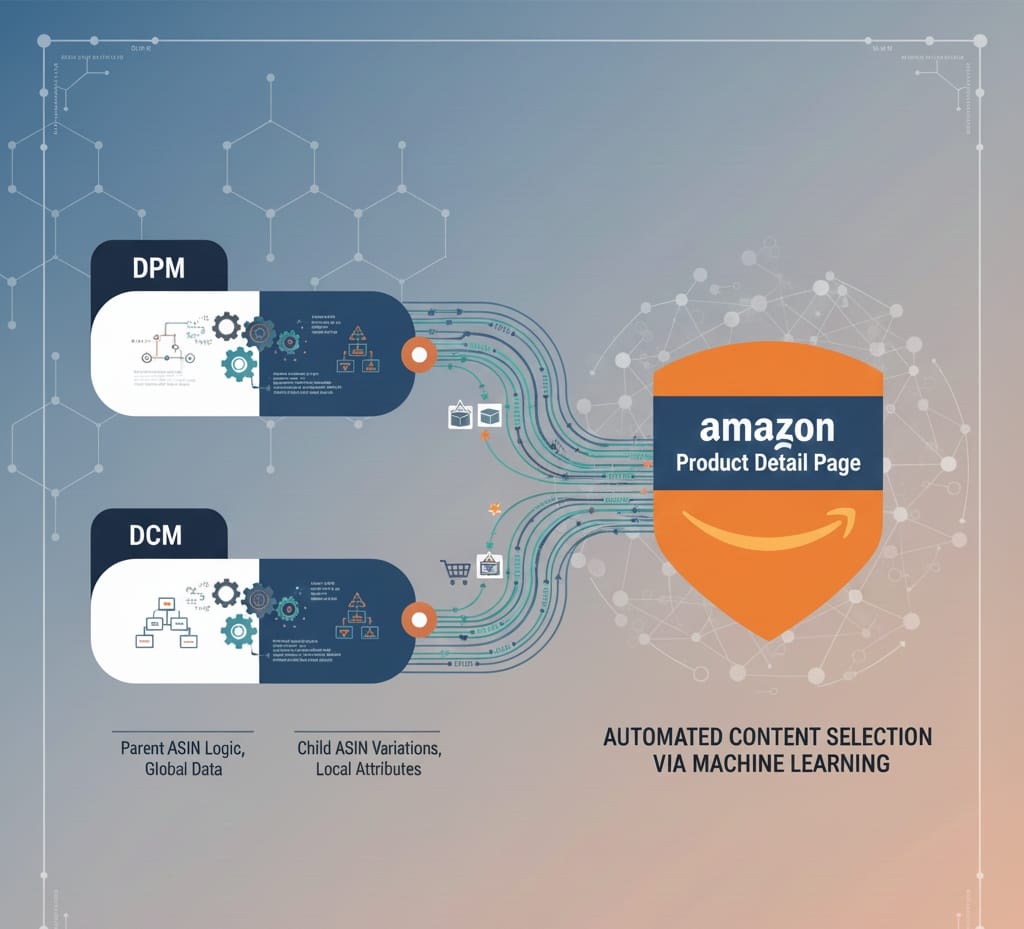
Short answer: No. Long answer: Still no — but you can influence it. Amazon chooses the model automatically based on:
- Which variation sells the most
- Customer behavior
- Conversion data
- How similar the variations are
- Category rules
- Machine learning predictions
Amazon Support cannot override it manually.
🔧 What Can Sellers Do if They’re Stuck in DPM?
You have a few strategic options depending on your catalog:
1. Optimize the parent title
If the parent controls everything, make sure it includes broad, essential keywords. Example: Instead of: “Virtan's Vintage Washed Cotton Crewneck T-Shirt - Relax Fit ” Try: “Virtan's Vintage Washed Cotton Crewneck T-Shirt - Multiple Sizes & Colors Available”
2. Rebuild the variation (if needed)
If your children are too different, Amazon may force DPM. Sometimes splitting the variation gives each product room to perform.
3. Strengthen one variation
If one child becomes dominant, Amazon may shift the model automatically to DCM over time.
If you need any help, reach out to David Riccardo, the multi-channel consultant focusing on Amazon. He and his team fix hundreds of listings daily, so don't hesitate. Give them a try—link is below.